Prerequisites
- Raw materials exist as Items under Stock ▶️ Item ▶️ Item List
- Warehouses for storing raw materials (e.g., “Raw Material Store”) are set up
1.0 Steps to Configure Reorder Points
1. Open the Raw Material
- Navigate to Stock ▶️ Item ▶️ Item List.
- Filter Item Group = Raw Materials, then click your material’s name.
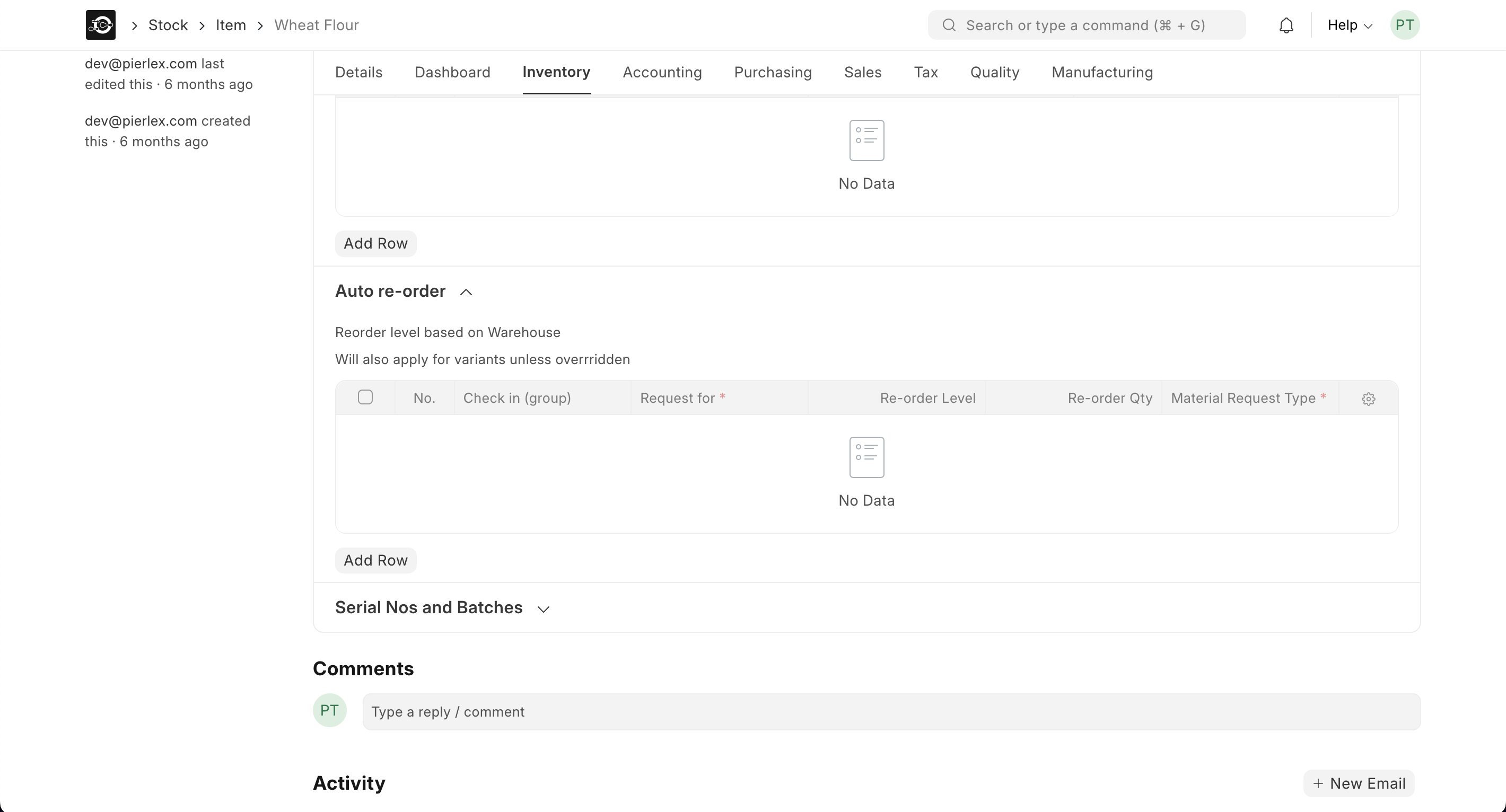
- Switch to Inventory Settings
- Click the Inventory tab in the item form.
- Set Reorder Level & Quantity
- Reorder Level: Enter the minimum on-hand quantity before a reorder is triggered (e.g.,
50kg). - Reorder Qty: Enter the suggested purchase quantity when the level is reached (e.g.,
200kg).
- Reorder Level: Enter the minimum on-hand quantity before a reorder is triggered (e.g.,
- Save Your Changes
- Click Save at the top-right to apply your reorder settings.
2.0 Viewing Reorder Alerts
- Run the Reorder Report
- Go to Stock ▶️ Reports ▶️ Reorder Report.
- The report lists all raw materials where On Hand Qty ≤ Reorder Level.
- Filter & Export
- Use Filters (e.g., Warehouse, Item Group) to focus on specific materials.
- Click Download to export the list for purchase planning.